The more you know what an app can do, the more you see how you can use it with your students. So, I've been playing and exploring on the iPad all summer.
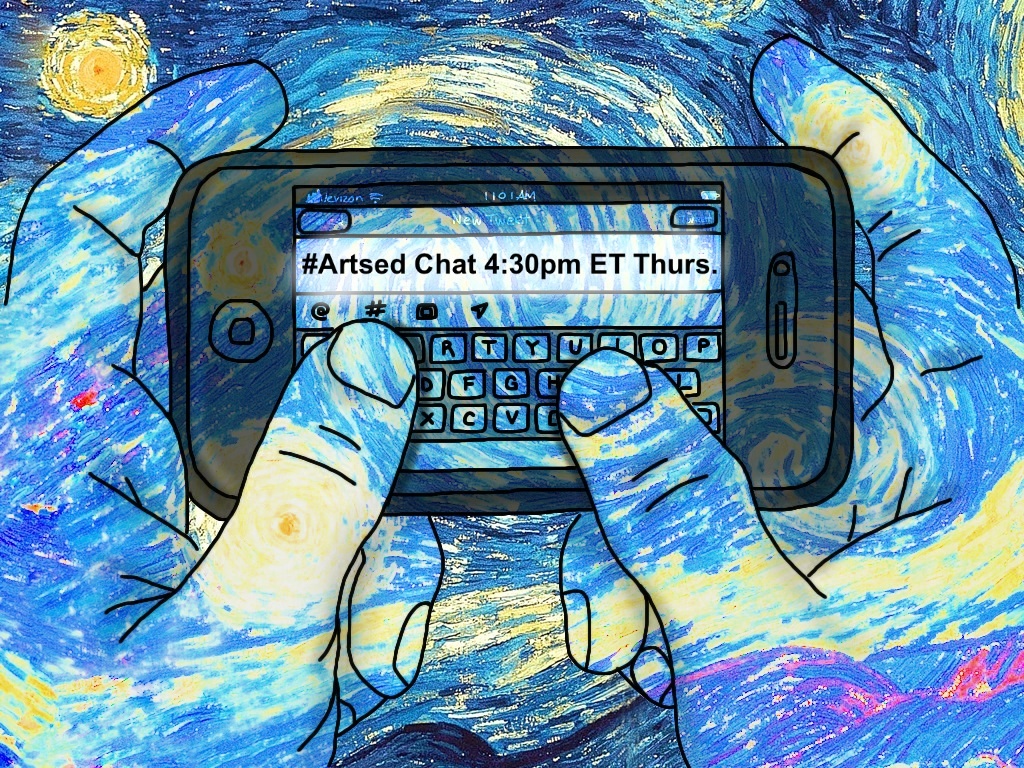
Last night I decided to try to make an image to communicate our new weekly #ArtsEd Chat on Twitter (Join us!). To make this image I used the Brushes App to draw, ArtStudio App to add text, create an overlay effect, and import an image I borrowed from the PlayArt app. I thought it might be helpful to demonstrate how to do all these steps, so I practiced using another app called, Display Recorder (which is not in the Apple store right now for some mysterious reason) to make a screencast on the ipad. I uploaded it to youtube (see below).
Last night I decided to try to make an image to communicate our new weekly #ArtsEd Chat on Twitter (Join us!). To make this image I used the Brushes App to draw, ArtStudio App to add text, create an overlay effect, and import an image I borrowed from the PlayArt app. I thought it might be helpful to demonstrate how to do all these steps, so I practiced using another app called, Display Recorder (which is not in the Apple store right now for some mysterious reason) to make a screencast on the ipad. I uploaded it to youtube (see below).











 RSS Feed


