 |  |  |
 Download my detailed lesson | 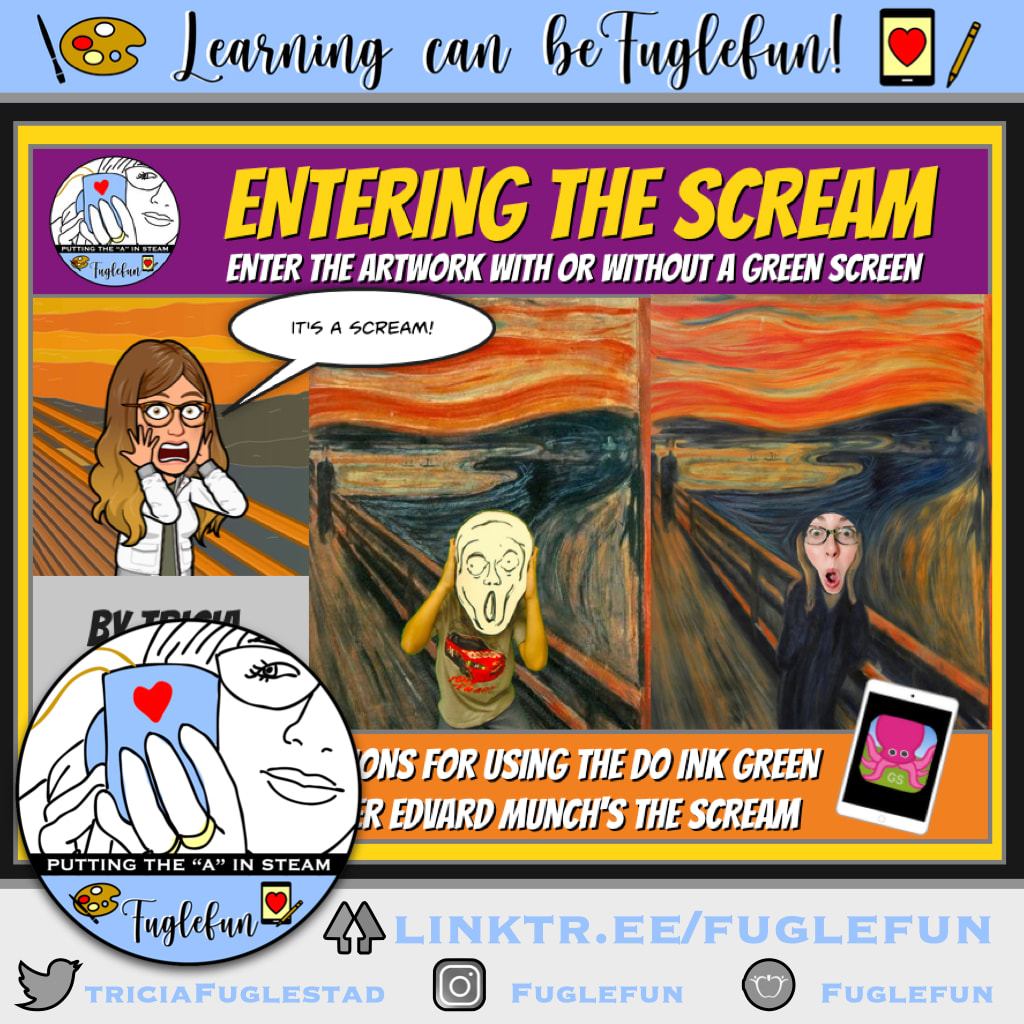 Click to download all my Scream resources here |
Make your own slideshow with music at Animoto.
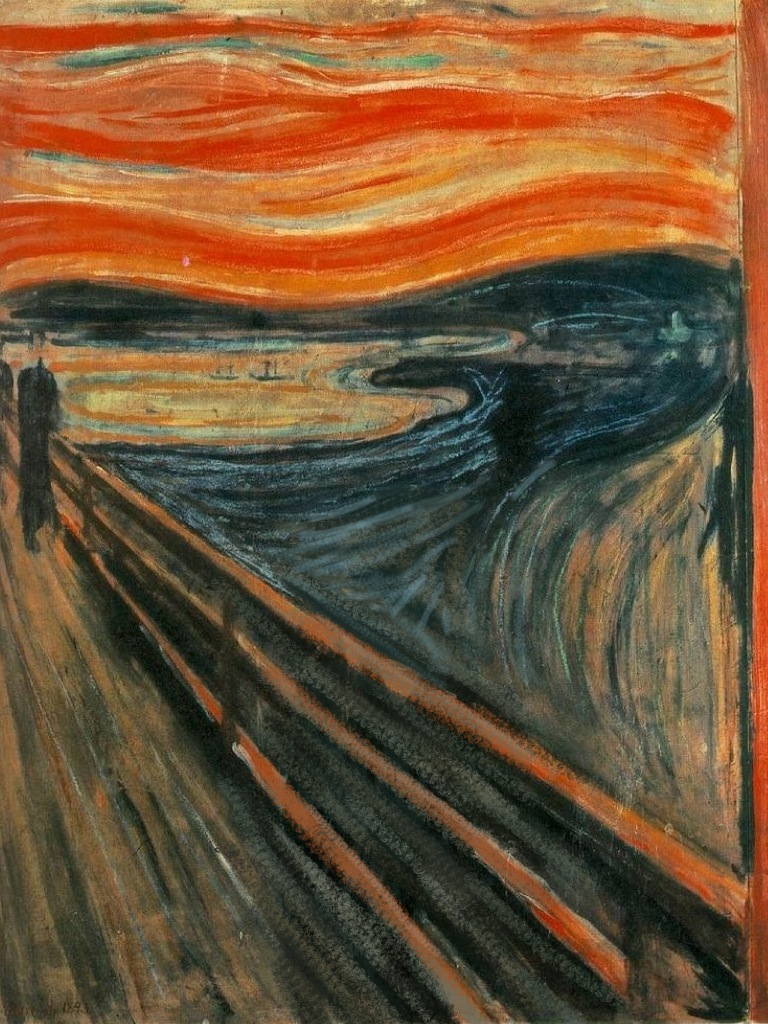
My resources for this digital scream project based on Edvard Munch's The Scream, were scattered between my old Fugleblog and this one. I must have been working on it when my iWeb Fugleblog gave up the ghost.
So I thought I'm make a post with everything in one place (just in time for Halloween).
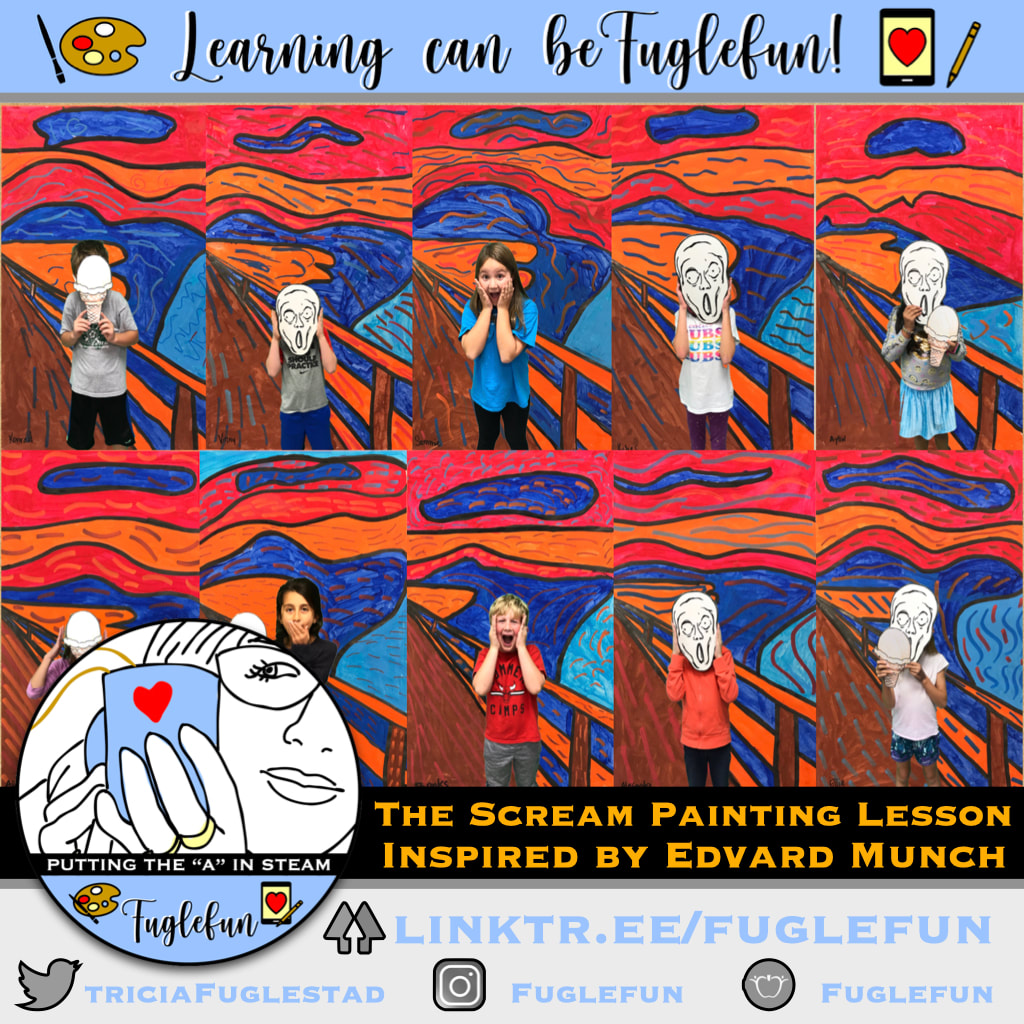
1. We made a tempra paint, oil pastel, and photo collage version first View here.
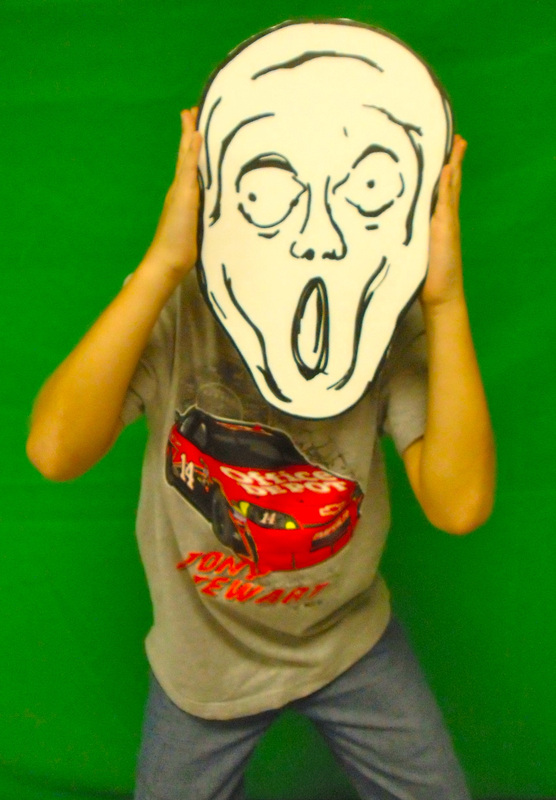
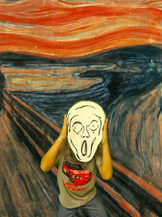
2. Students posed in front of green screen with our homemade Scream Mask (we disguise student faces so we can add our digital artwork to our online gallery on Artsonia).
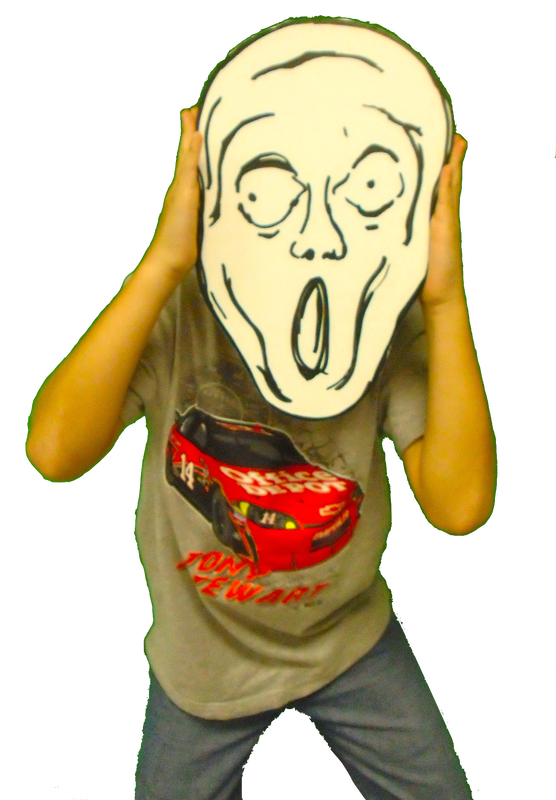
3. Then we eliminated the green screen with Instant Alpha in Keynote.
View this screen cast to find out how.
So I thought I'm make a post with everything in one place (just in time for Halloween).
1. We made a tempra paint, oil pastel, and photo collage version first View here.
2. Students posed in front of green screen with our homemade Scream Mask (we disguise student faces so we can add our digital artwork to our online gallery on Artsonia).
3. Then we eliminated the green screen with Instant Alpha in Keynote.
View this screen cast to find out how.
4. We used This EMPTY SCREAM image for the students to layer their photo on.
Watch how I made it empty using the brushes app below.
Watch how I made it empty using the brushes app below.
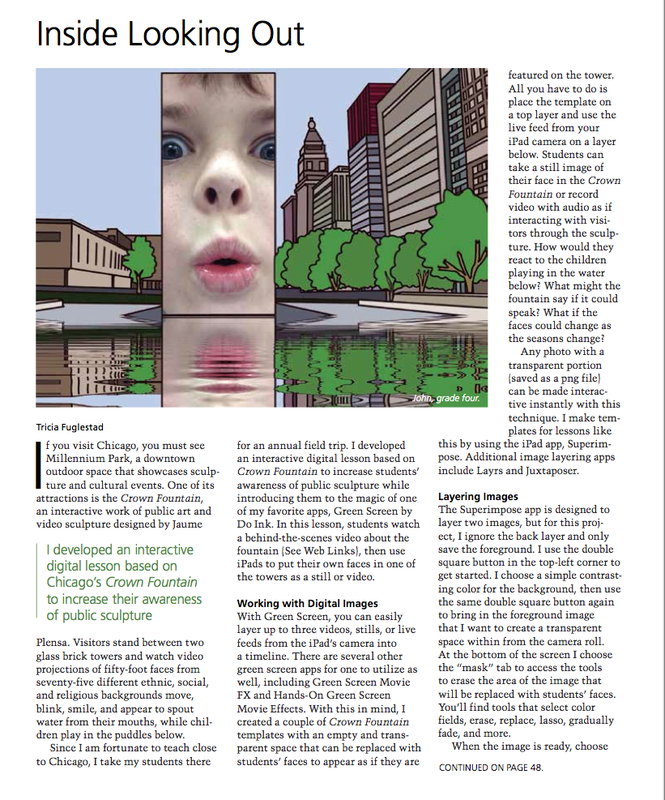
As an extension of this project, I made a custom photo booth effect where students can put their faces up to the iSight camera and become the face of the screamer. They can then create a movie clip about the last time they scream. See an example below. We use this worksheet to get us ready for our movie clip.
Just the face digital prop.
Just the face digital prop.
How can I not mention this:
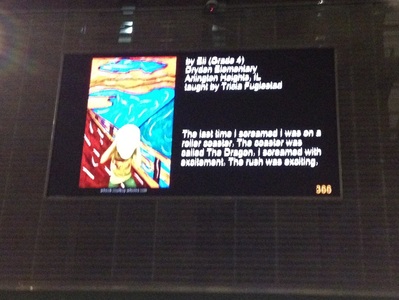
One of my students, Eli (example pictured above) had his Digital Scream picture shown on a 30ft LED screen in the heart of NYC last spring at the Big Screen Plaza exhibit sponsored by Artsonia.
Congrats again Eli!
One of my students, Eli (example pictured above) had his Digital Scream picture shown on a 30ft LED screen in the heart of NYC last spring at the Big Screen Plaza exhibit sponsored by Artsonia.
Congrats again Eli!


















 RSS Feed