
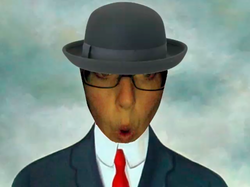
One of the ways I love to engage my students with technology while adding a fun extension the art project is through custom photo booth effects. I have taught myself to make custom effects from any image so that my students can enter and give a voice to famous artwork. I have shared these ideas at technology and art conferences and have been asked to share how I do this.
I create the tutorial below showing how to make custom photo booth effects. You need to have the following software on your MAC. Quartz Composer comes with the computer. If you are working on the school computer, they might not have installed it thinking you wouldn't use it. How silly. Set them straight (nicely ) and ask them to load it for you.
 Quartz Composer |  Preview |  Photo Booth |  Mac Computer |
If you look in your compositions folder and find nothing to start with for a template feel free to download my SCREAM.qtz file here. Add it to your compositions folder and then copy it for your next design. Please share what you make too so more children can enjoy.
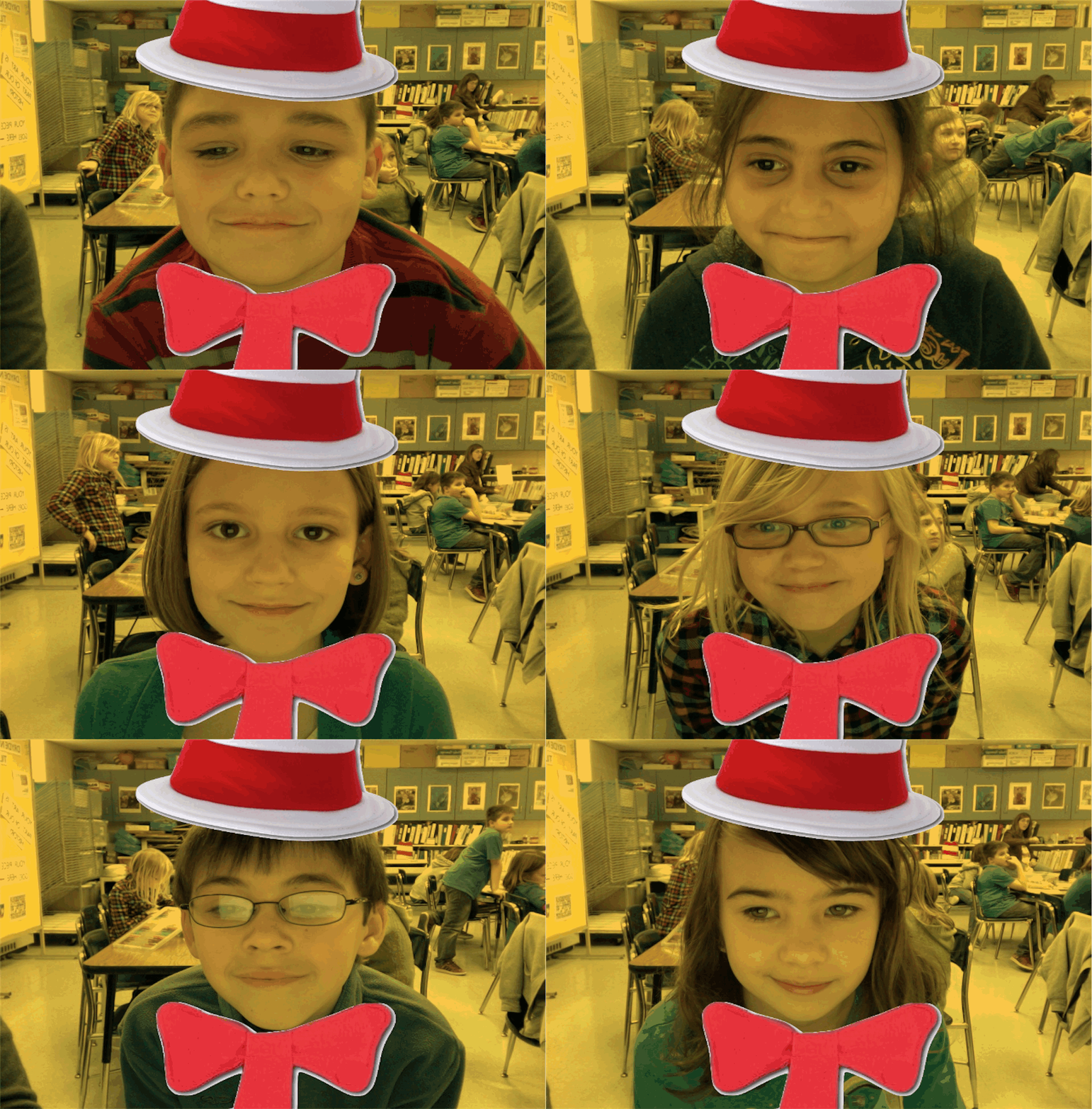
Below is an example of how a custom photo booth effect was used to help create the artwork. We Cat-in-a-hatified ourselves and used the image to help us draw the Cat-in -a-hat themed art. We finished it just in time for Read Across America and Dr. Seuss' B-day.
Below is an example of how a custom photo booth effect was used to help create the artwork. We Cat-in-a-hatified ourselves and used the image to help us draw the Cat-in -a-hat themed art. We finished it just in time for Read Across America and Dr. Seuss' B-day.
|


Just made another custom photo booth FX for my #artsed students: See how in this post: drydenart.weebly.com/1/post/2012/11… twitter.com/fuglefun/statu…
— Tricia Fuglestad (@fuglefun) November 25, 2012















 RSS Feed


