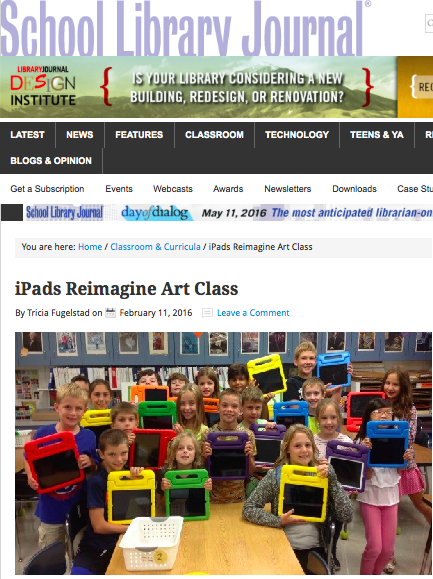
Fifth graders brought their iPads to art class for the past couple of weeks to work on a digital figure drawing of themselves flying in their pajamas. This image will be the starting point for a creative writing and illustration lesson that will include animating their figures across a landscape. See the entire gallery of images here.
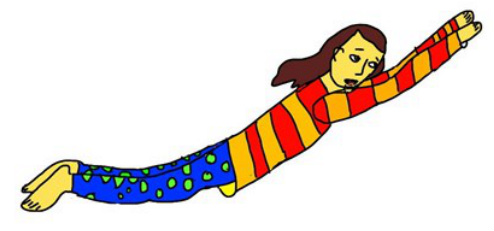
I created the movie below as I was working on this idea. I am hoping their animations can be pieced together into a video with music giving students a chance to combine their art, music, technology, and storytelling skills into a collaborative project.
Flying Animation Intro from Tricia Fuglestad on Vimeo.
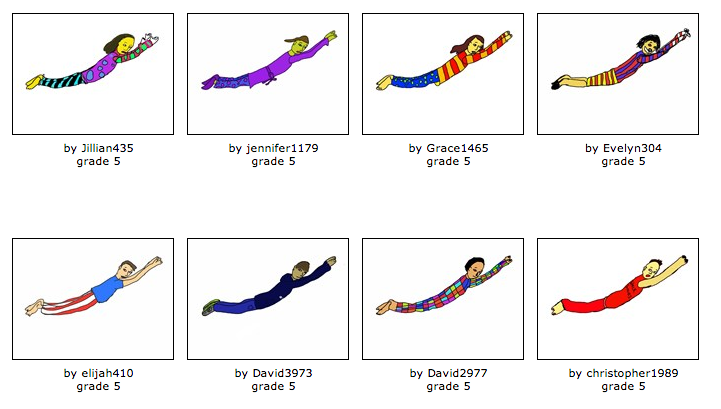
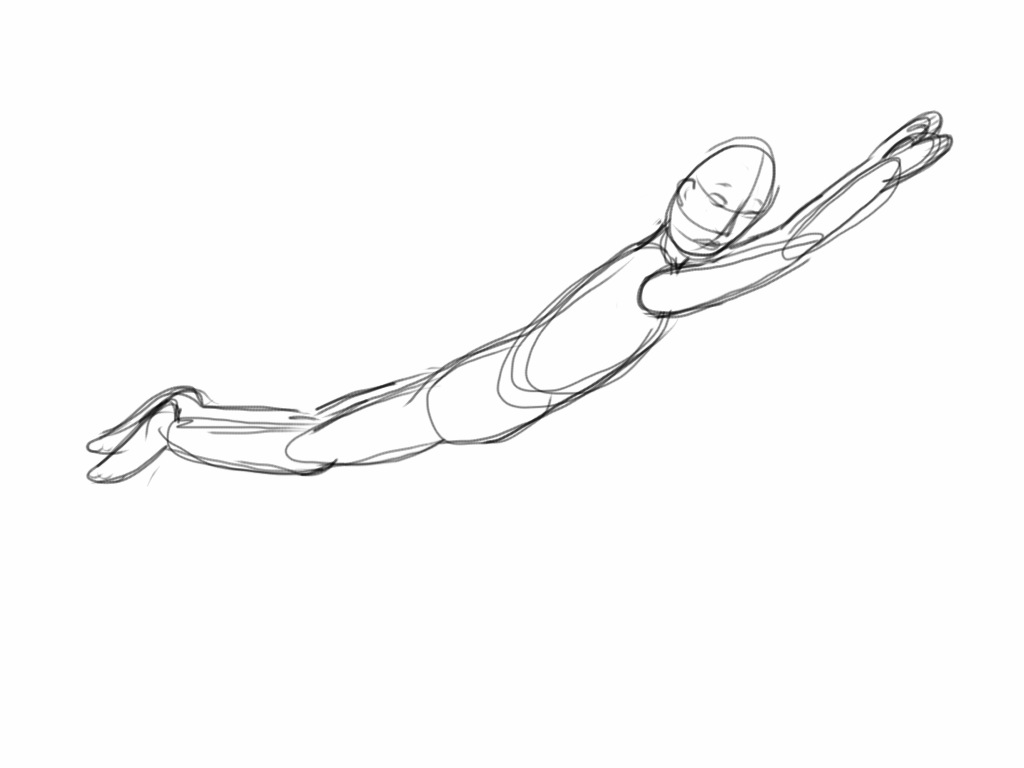
Did you notice that the figures are all in a similar pose? That is because to help students draw their figures successfully, we imported my sketch of a generic figure as a layer in Sketchbook Express. The artwork was drawn on a separate layer over the sketch and filled with color using the pour feature. The background is empty now so we can erase it using instant alpha in Keynote so we can animate it across their drawn landscapes.



















 RSS Feed