| 
|
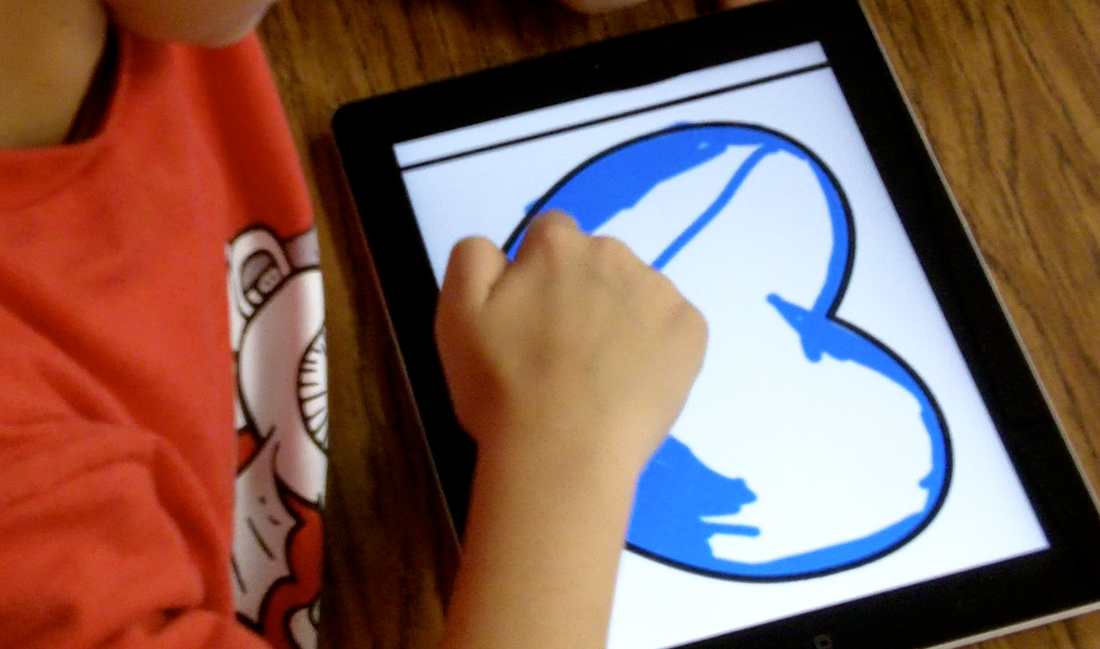
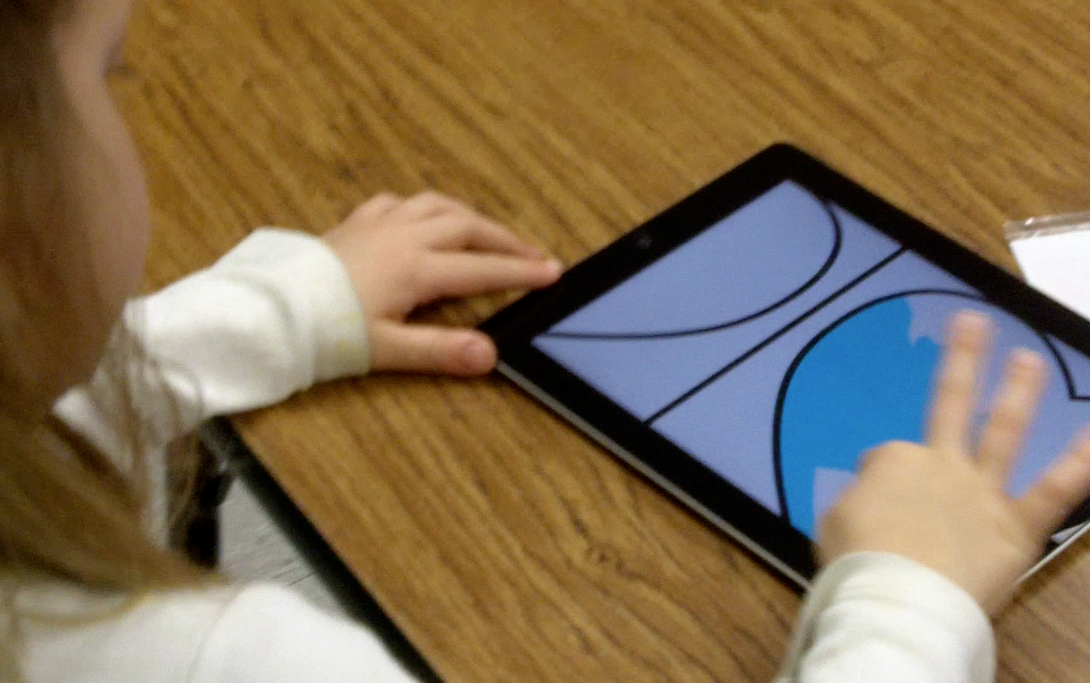
Created on the iPad by first graders. Students had to go through a series of steps to locate the heart template, download it to the iPad from my website, import it as a layer into the brushes app, select the layer beneath to paint on with a resized brush, and their own color choice. Students had to learn the digital tools for trouble shooting (undo, eraser, eye dropper, and some discovered a way to use the paint bucket to quickly fill). Students were to paint the negative space of one side and the positive space of the other, create a digital tint of their color by sliding the selector closer to white, and paint the remaining spaces. Then, they emailed their artwork to me when it was complete. As a special Valentine's gift, I ran their digital artwork through the Wordfoto app which magically transformed their work into a Valentine.















 RSS Feed


