| | | |
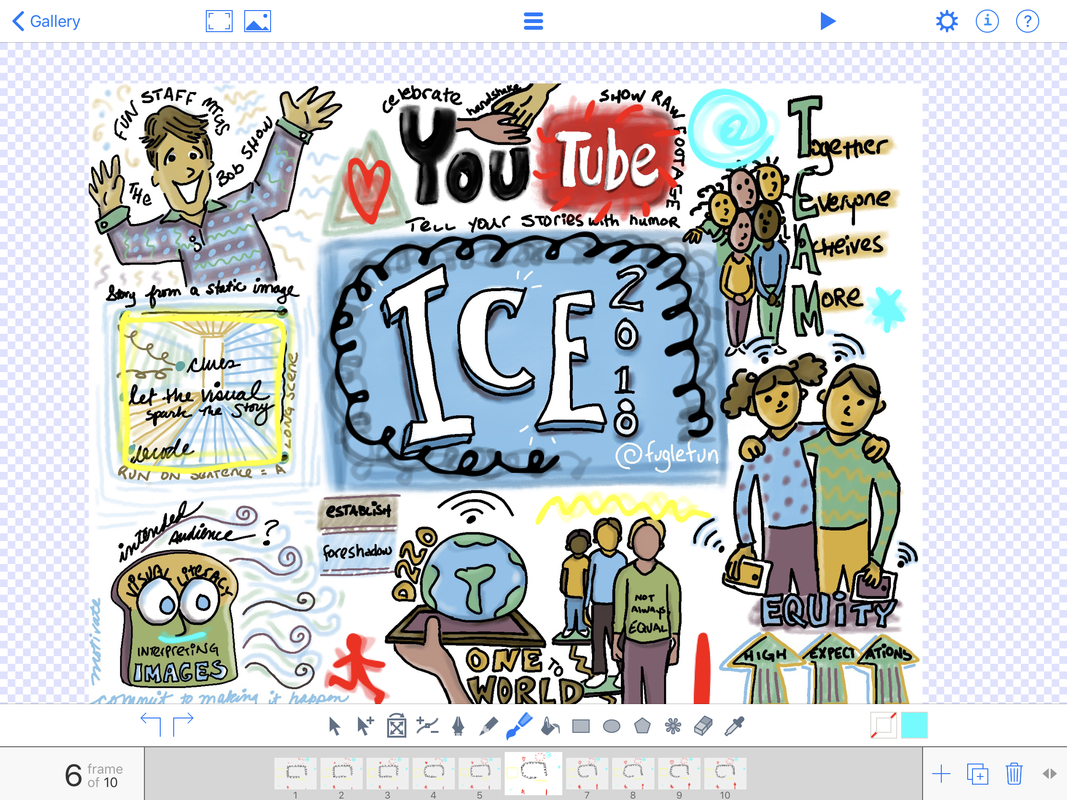
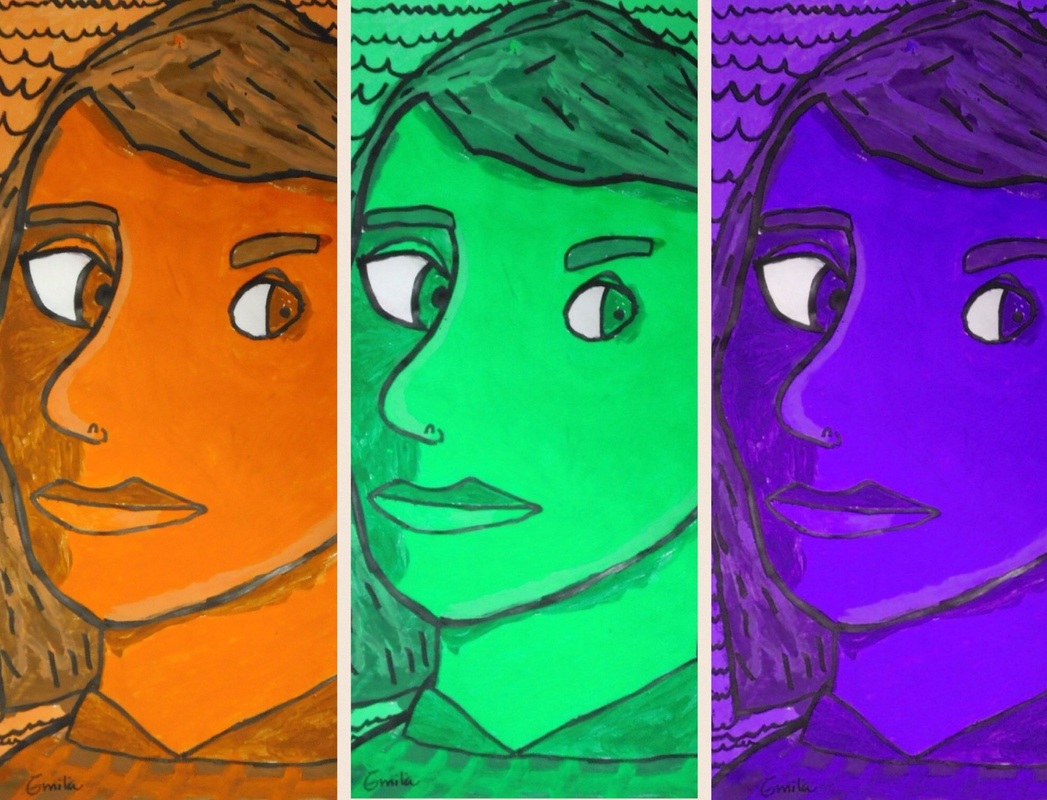
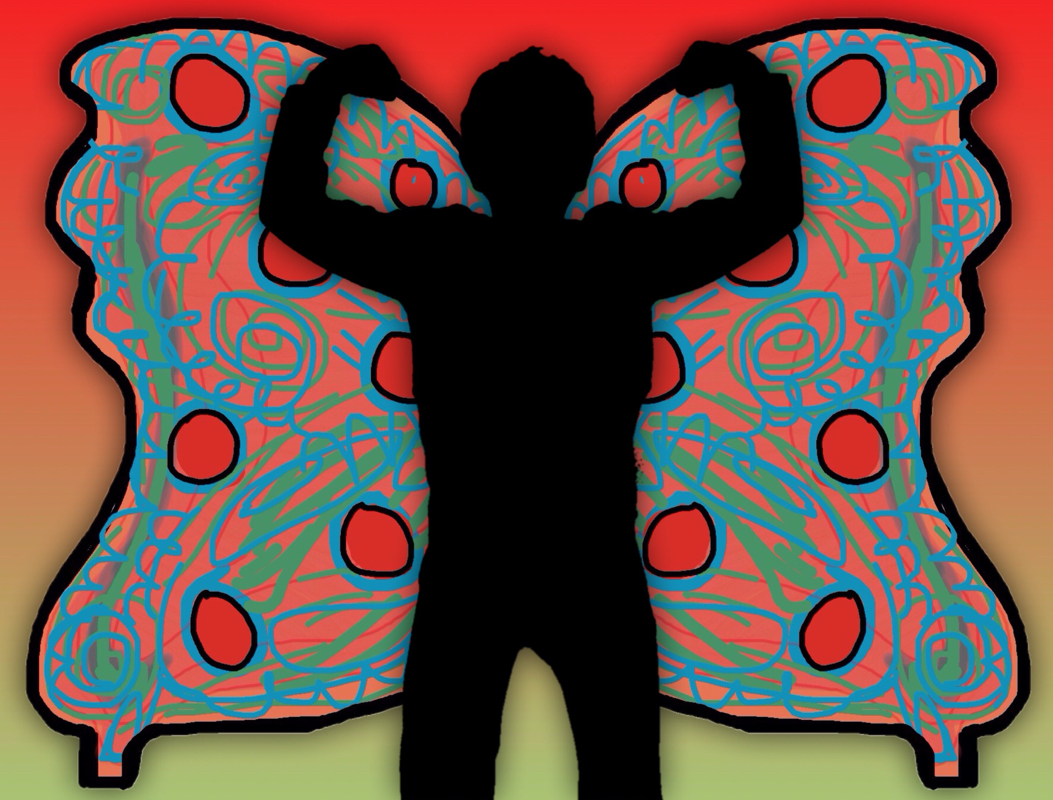
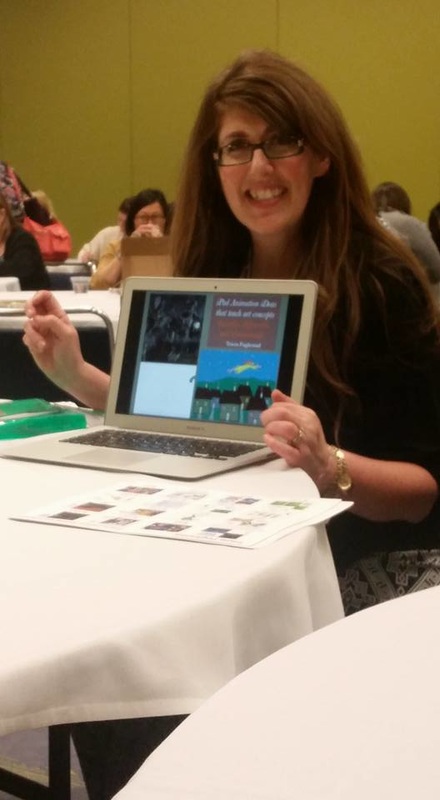
Dryden Raffle Winners had an after school art class on Monday where we painted our self-portraits digitally using the Brushes app. You can see I kept a close eye on everyone. Since we created these in Brushes you can watch the movie of the drawing steps below.
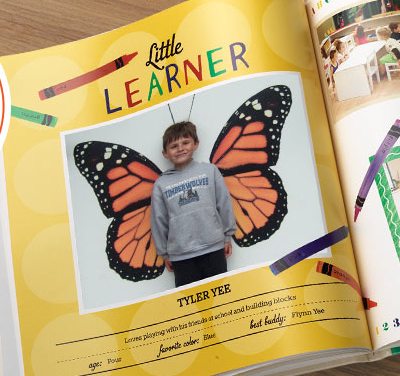
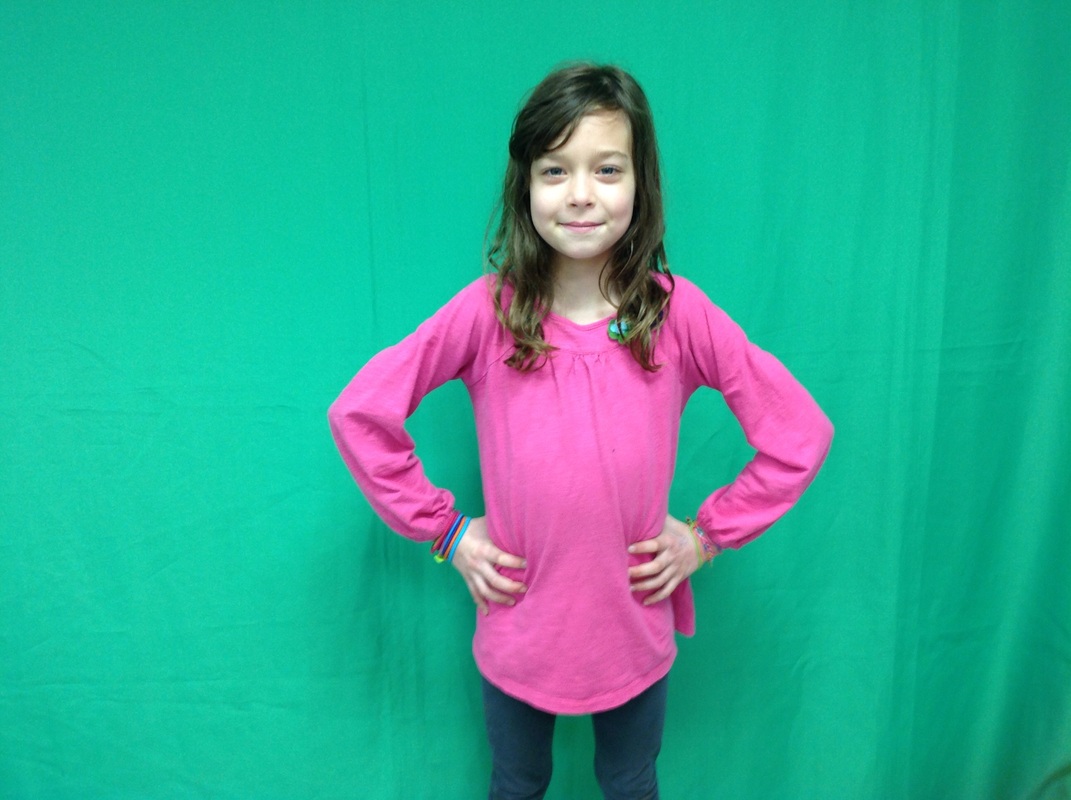
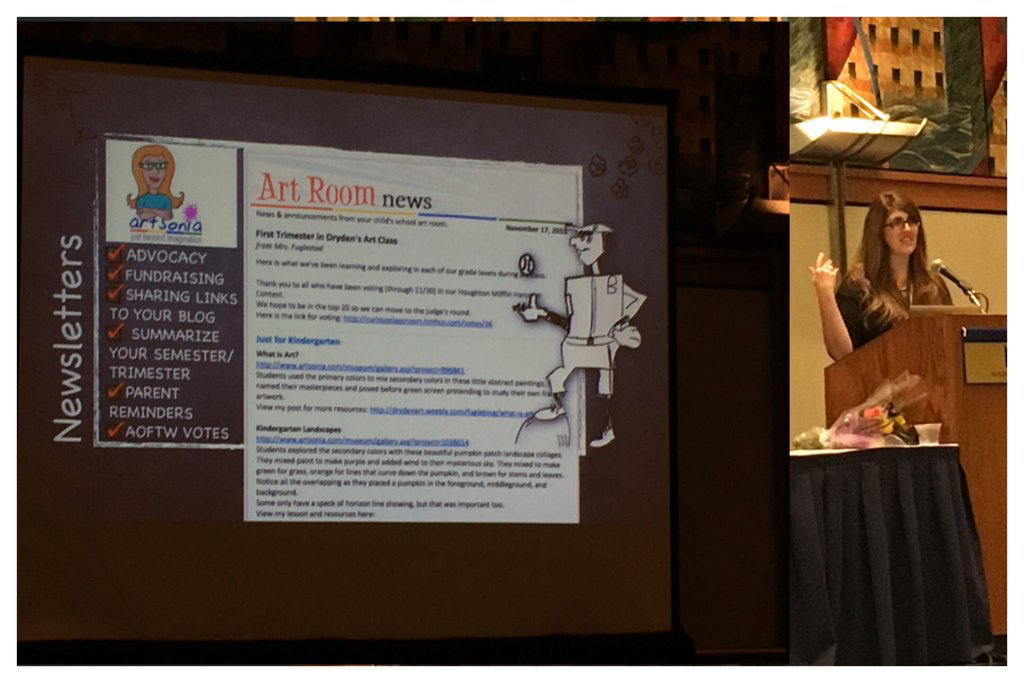
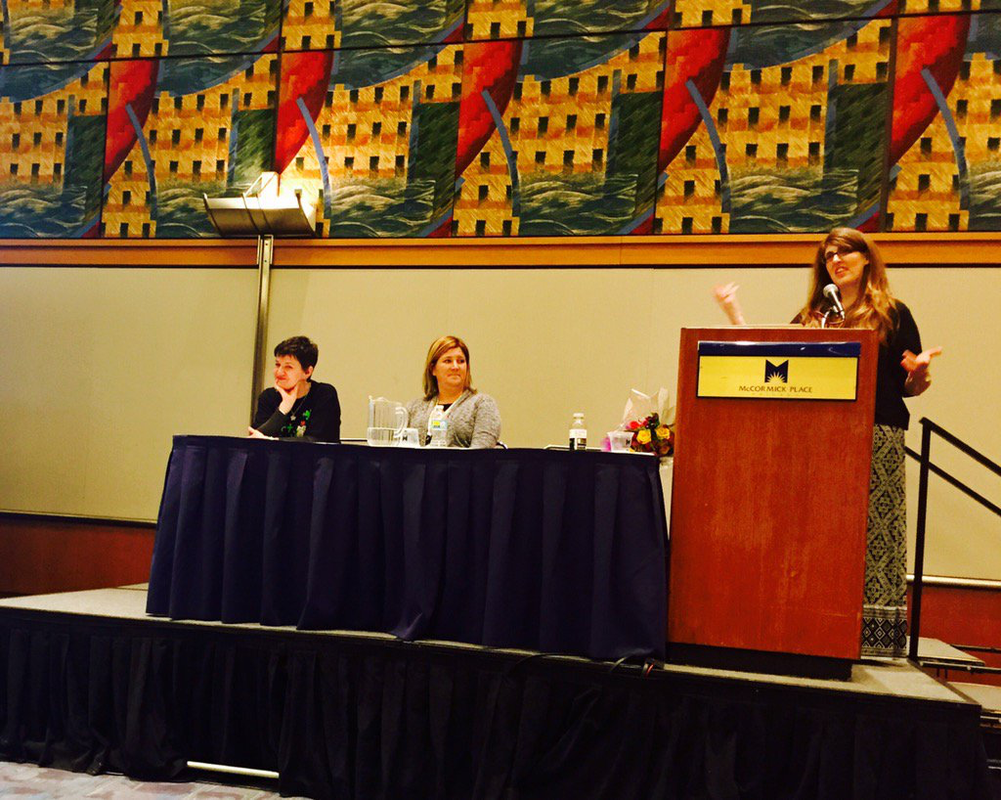
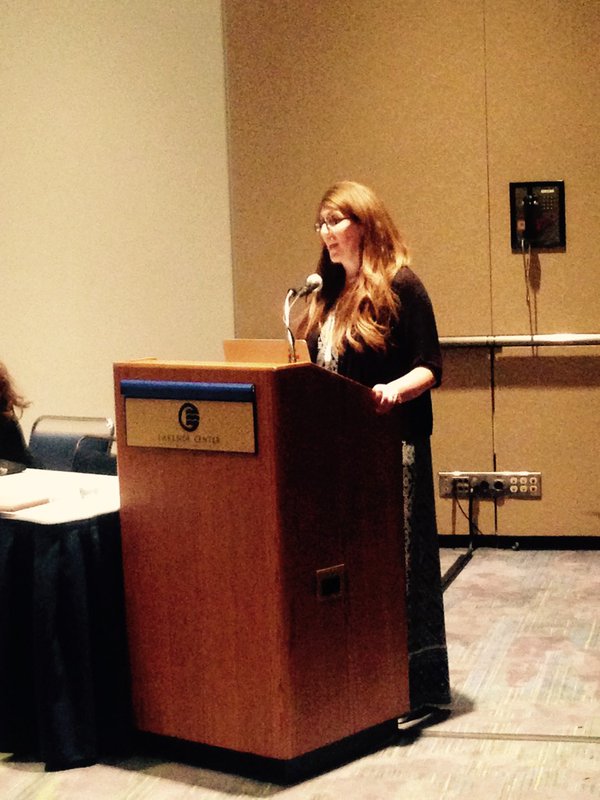
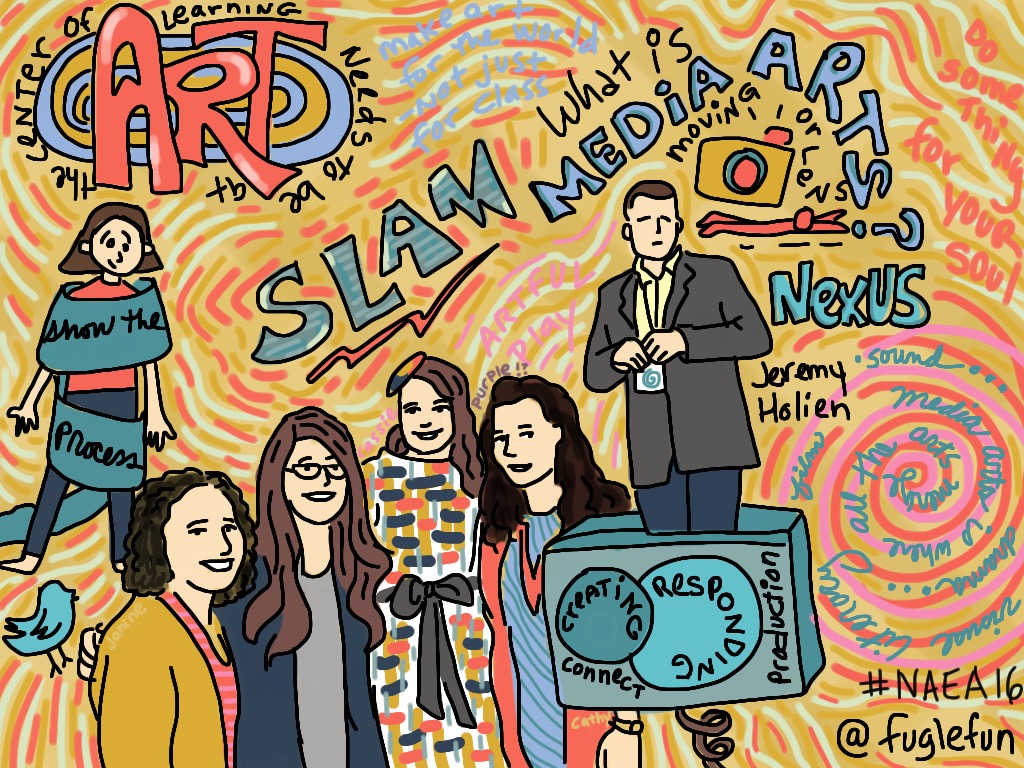
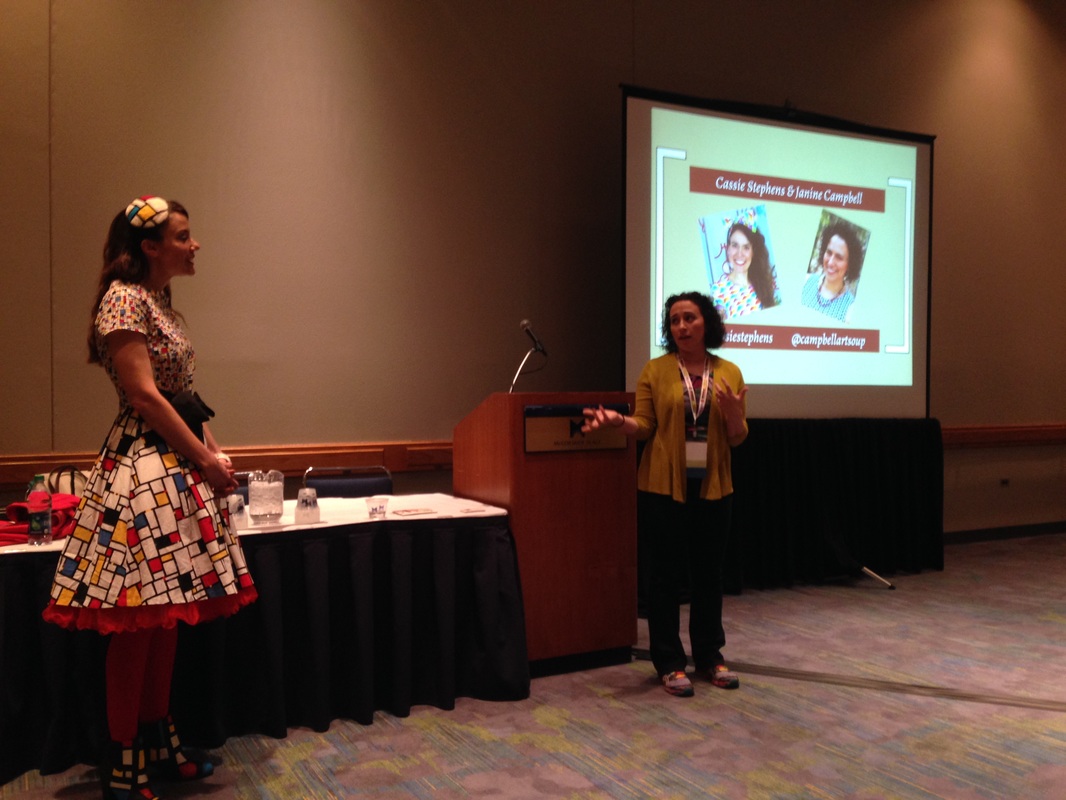
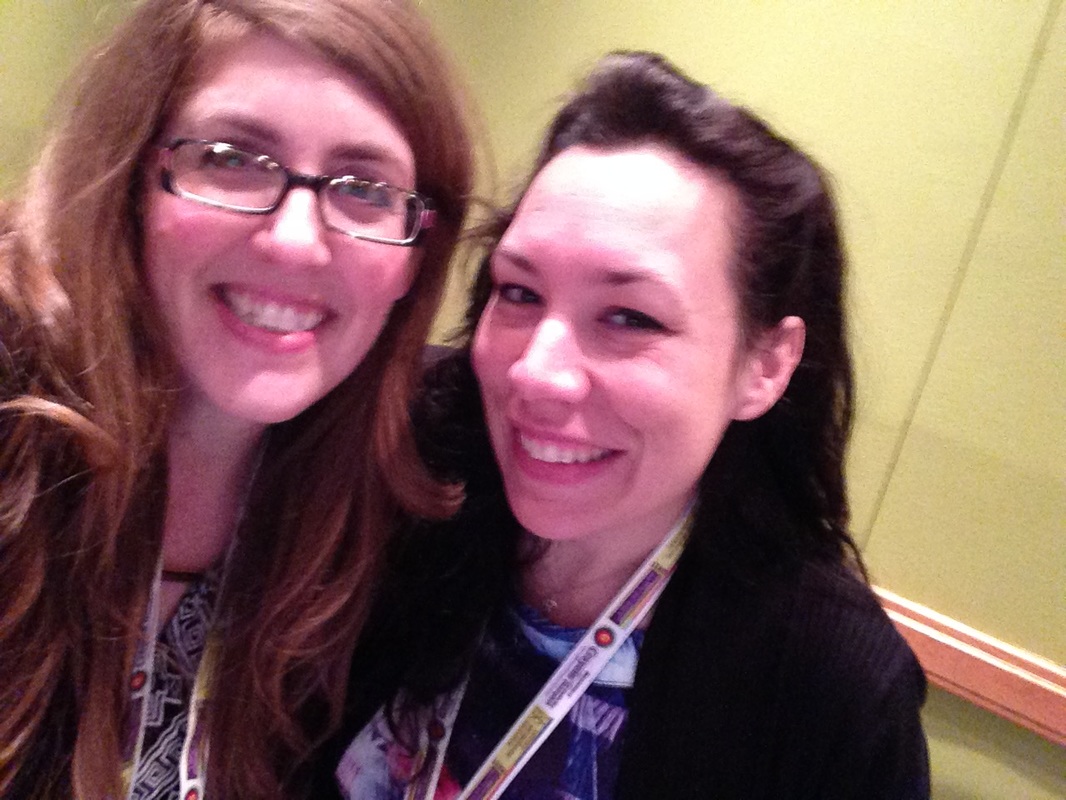
Add Comment Dryden Raffle Winners who won the "Make a Bookmark" prize met with me during lunch recess to create a Cat-in-a-hat-ify bookmark of themselves using our new art room iPads purchased from winning the McGraw-Hill STEMie award last fall! We are so excited about the new ways of creating and exploring art these iPads will bring. More about our Bookmark Project: Students used these items from my dropbox folder and a photo they took on their ipad to layer, resize, and position the elements of the bookmark in the Brushes App (can do this in Sketchbook Express too). Then they used the ink dropper to choose a matching color to complete the background layer. View the gallery on Artsonia here. Don't have dropbox yet? Click here. Want to make a Weebly? Click here. I played with the Drawing with Carl app over the weekend after having learned about it from Karyn Keenan in Chicago. Here are her students drawings and audioboos. I love the function in it that allows you to draw with patterns. It forced me to draw in shapes from the background to the foreground which is very similar to the way we would construct a paper collage. I think this app would be perfect for creating a Laurel Birch styled abstract cat lesson. Here is what my students created in paint (physically) and here is a quick sketch of what I did in this app below. I just returned from a wonderfully energizing conference experience with thousands of art educators from around the country meeting for 4 days in Fort Worth, Texas. I loved the time I had with my Personal Learning Network (PLN) face to face. These are the people I learn from all year-round online through our social networks. All SIX of my presentations were with people I connect with online, three of which I had never met in person before! We decided ahead of time to buy this shirt from Inkpixie using our Twitter Handle and wear them as we gathered on Saturday for coffee. We posed together for this picture. (Our hands look funny because we are trying to imitate this picture that Stacy Lord made when she was being silly on a snow day.) Six Presentations: Technology Tools in Elementary Art Theresa McGee, an elementary art teacher in Hinsdale, IL, and I traveled together to Texas. We rushed over to the conference as soon as we arrived 15 minutes before our first presentation where we took turns with two other art teachers including Jessica Balsley demonstrating how we use technology. I quickly demonstrated this iPad art lesson called, It's Not Christina's World Anymore, based on the painting, Christina's World. See the finished student art here. Connected Art Educators: PLNs Dr. Craig Roland, Prof. of Art Ed at Uof Fl, Dr. Elizabeth Delacruz (my former professor from U of I), Ian Sands, H.S. art teacher from Apex, NC, and I each took turns sharing how our online personal learning network has made a difference for our professional growth and has benefitted our students. I talked about three stories: Careers in Art, Doink Alien Animations, and IPEVO. It's too much to explain here, but trust me, they're great stories! Western Region/Southeastern Region Elementary Art Teacher Showcase This presentation was part of winning the Western Region Elementary Art Teacher of the Year Award. I tried to sum up everything we do in 20 minutes. I used this video to preface the presentation and followed with a focus on how we use technology in our art room. I explain it better in this online presentation. The other presenter was Jennifer Johnson Keith of Louisiana who shared about her wonderful program in 20 minutes as well. It is hard to condense a career full of stories into 20 mins. Artsonia-Online Digital Art Gallery This is the 5th year I've been able to present on using Artsonia as a tool to create a digital portfolio with my students. Our presentation has grown and evolved over the years as the company has improved and changed to make their service better and better for art teachers and their students. The CEO and President of the company joined Susan, Theresa, and I to help answer questions from the attendees and hear their concerns and questions about the process of getting started. Learn more here. iPads in Art (Part Two) This session was a continuation of the session that Suzanne Tiedemann and I (Theresa Gillespie was with us in spirit) did last year to a standing room only group. We thought that since the room was so small we should offer it again so those who really wanted to learn about creating art on iPads can get a chance. Luckily they gave us a larger room where all 150 or so attendees could each find a seat. This year Theresa Gillespie joined me (Suzanne was with us in spirit) as we presented about the top three projects we successfully accomplished with our students. You can learn more from my page, Theresa's page, and this page made jointly by Suzanne and me. Lights, Camera, Learning! with Fugleflicks and Campbellartsoup I was so excited to share about making movies to teach art concepts with Janine Campbell. We had been learning from each other for years online and finally met as we shared our different approaches to student created art related movie making. Learn more about Janine's program here. View our Fugleflicks index here. Receiving my Award On March 7th I received the Western Region Elementary Art Teacher of the Year 2013 Award from the National Art Education Association. My nominator was Samantha Melvin of Texas who was the National Elementary Art Teacher of the Year in 2012. It is such an honor to be recognized at this level for doing the job that I love. Thank you PLN for making me a better teacher! Read this story about the THREE Illinois Art Educators recognized at the National Art Education Conference. MY take on this trip When I saw this photo taken by Jennifer at the showcase presentation that we shared, I had a WOW moment as I looked at a relaxed and confident person happily talking to a large crowd of people at a national conference. You may not know my journey, but here is a hint: I was so painfully shy growing up and into my adult years that I had to come home from college after two weeks because I was too afraid to go into the cafeteria for my meals. Thank you to all the people over the years who gently held my hand and helped me grow.
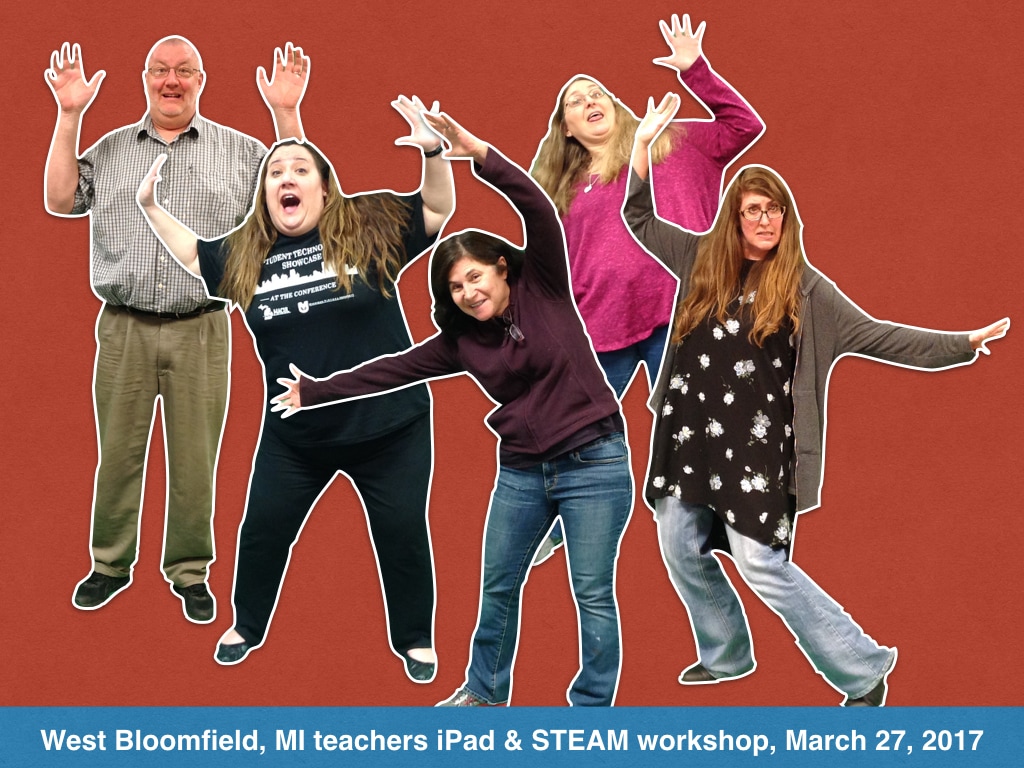
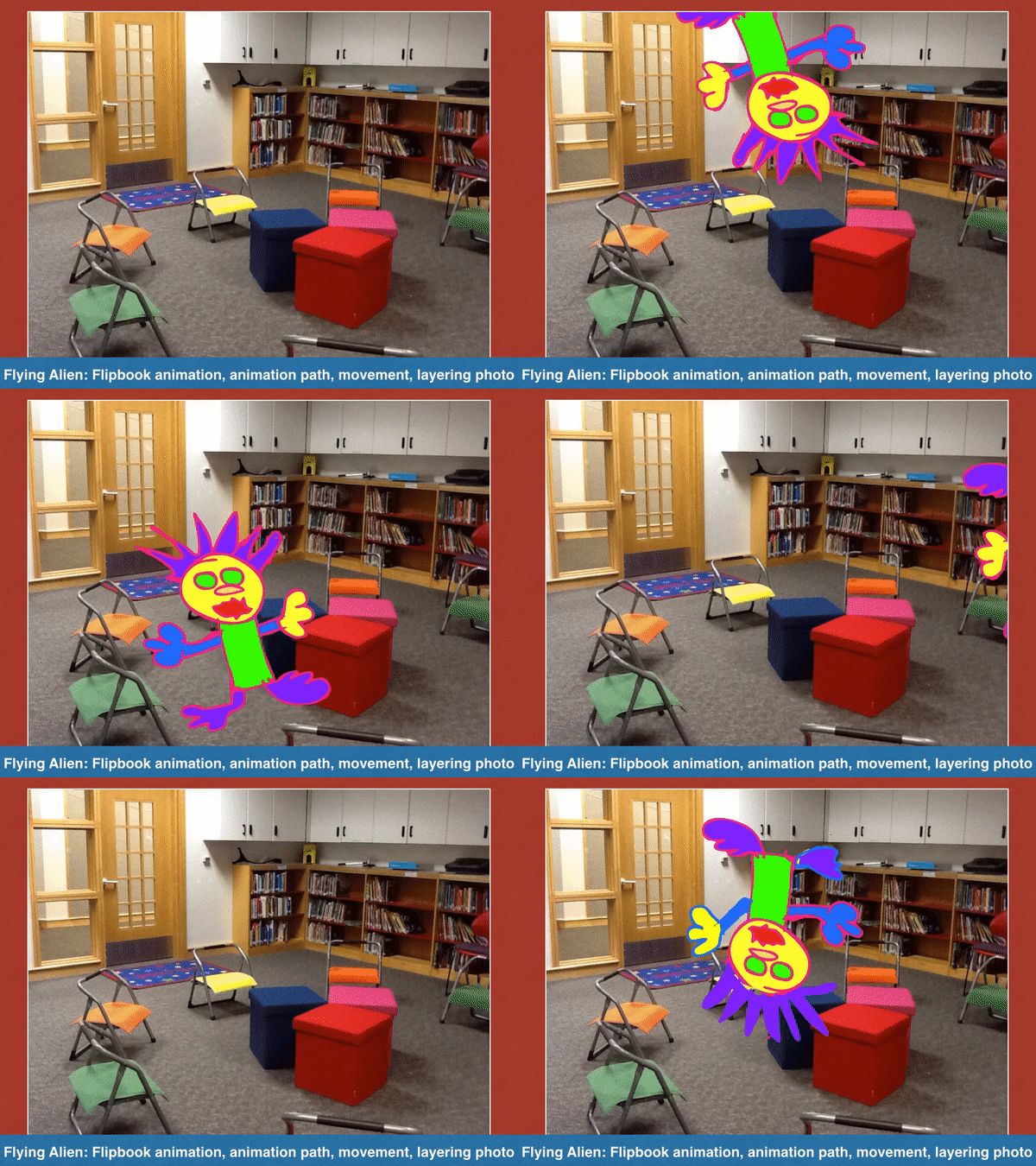
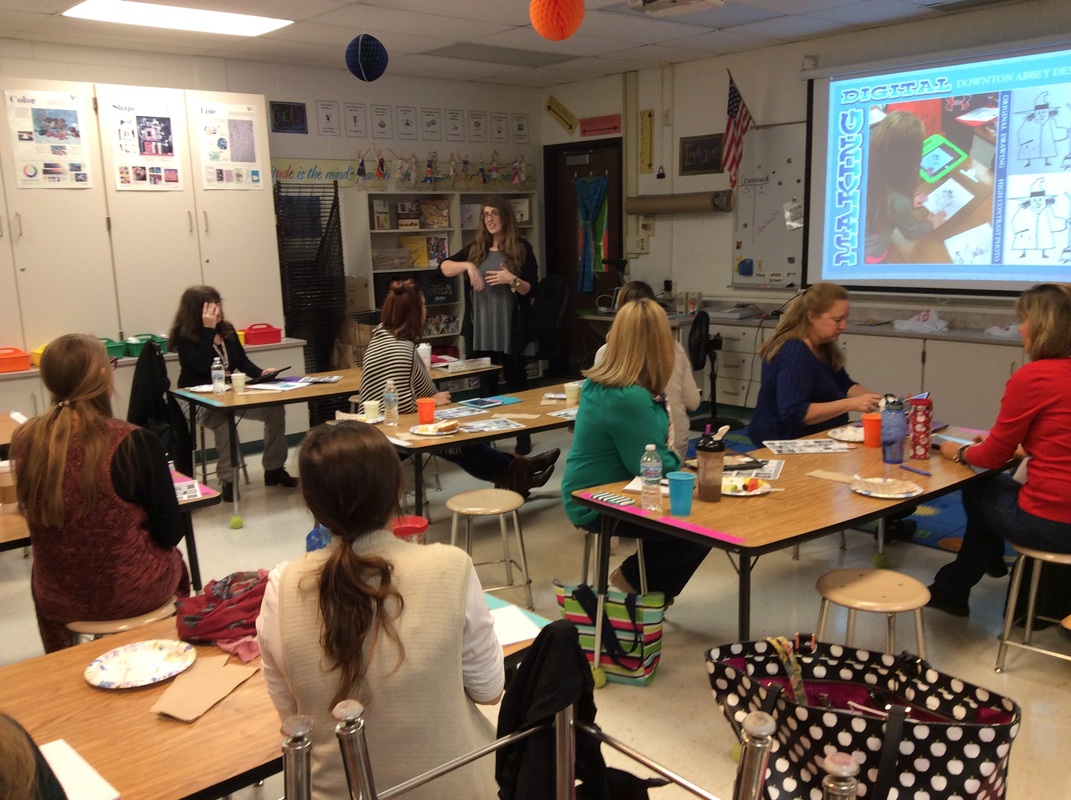
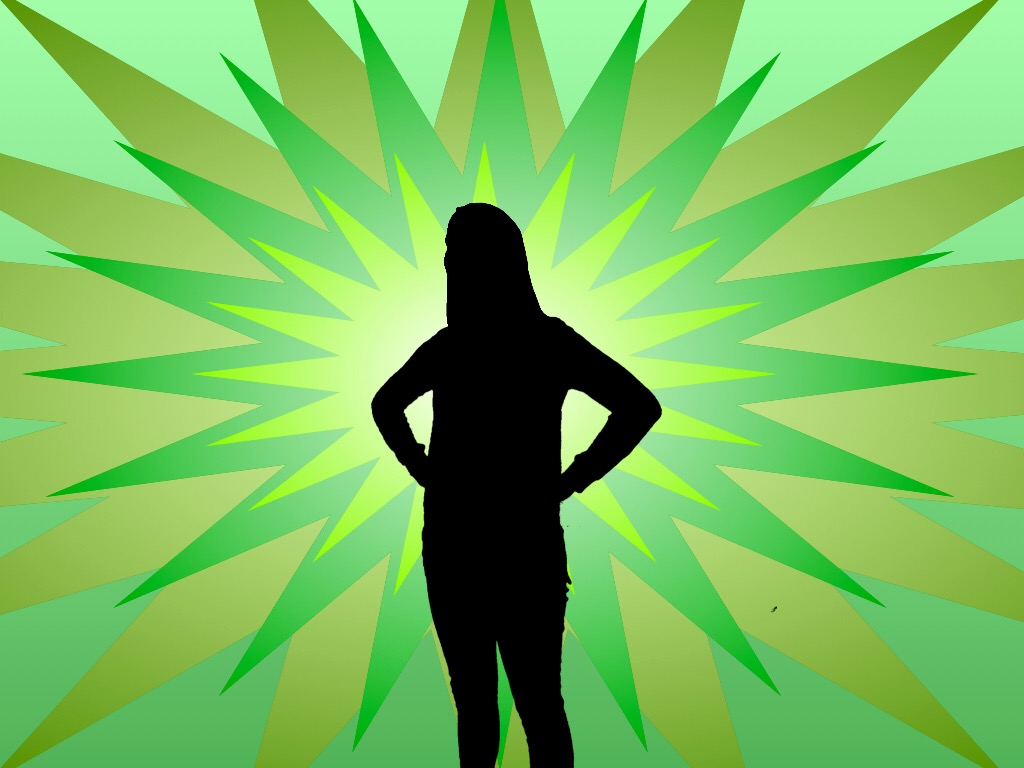
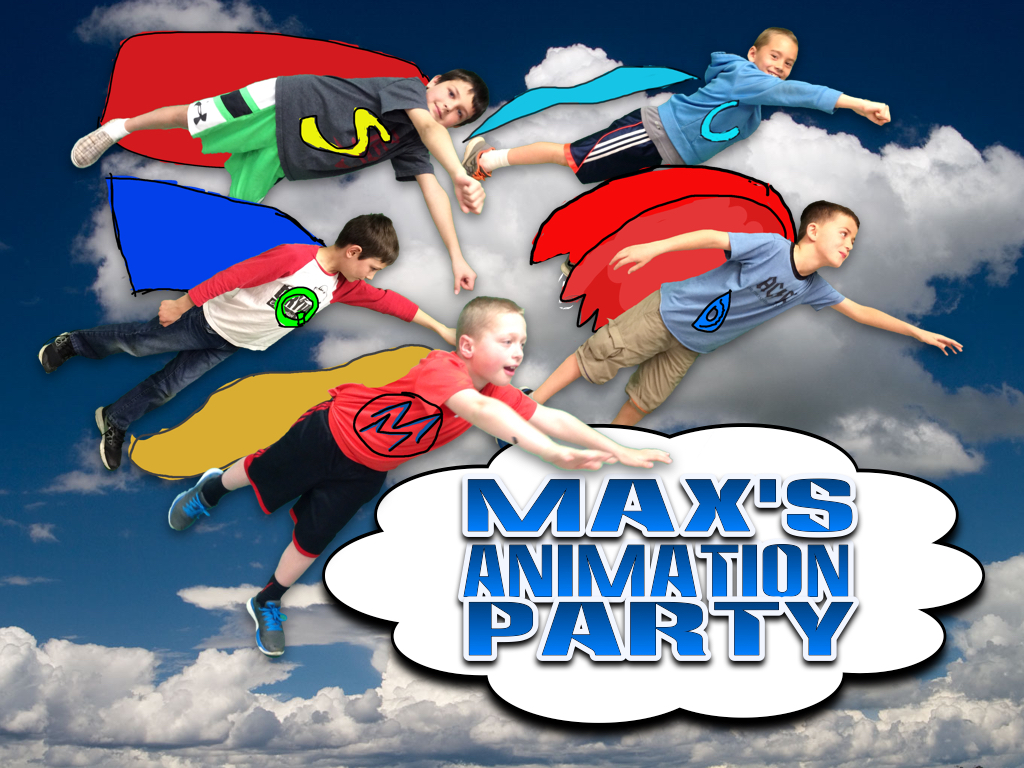
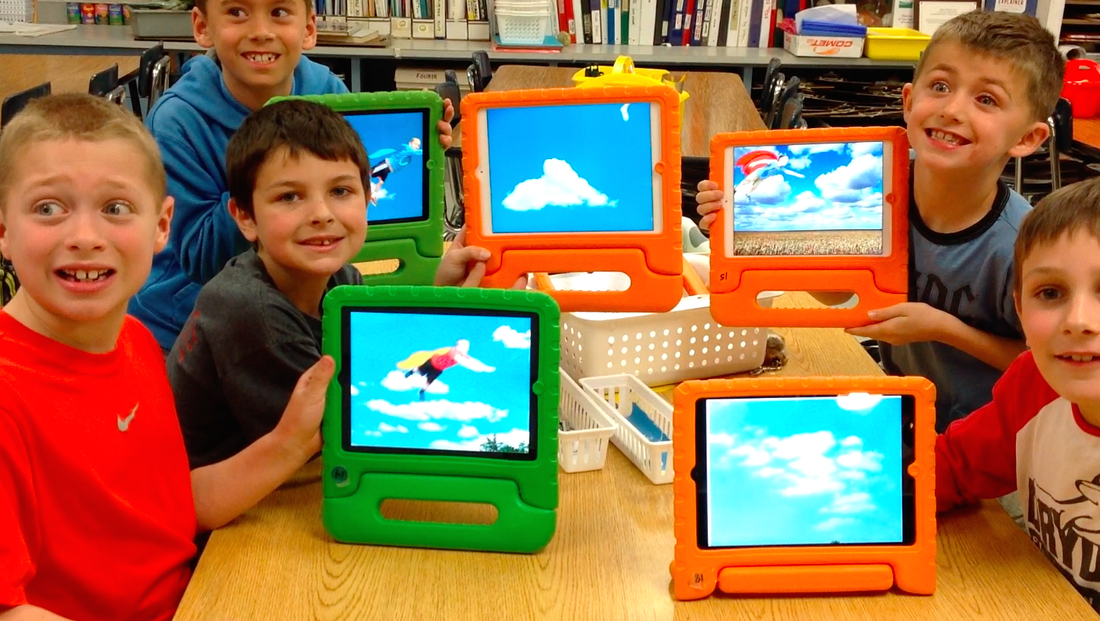
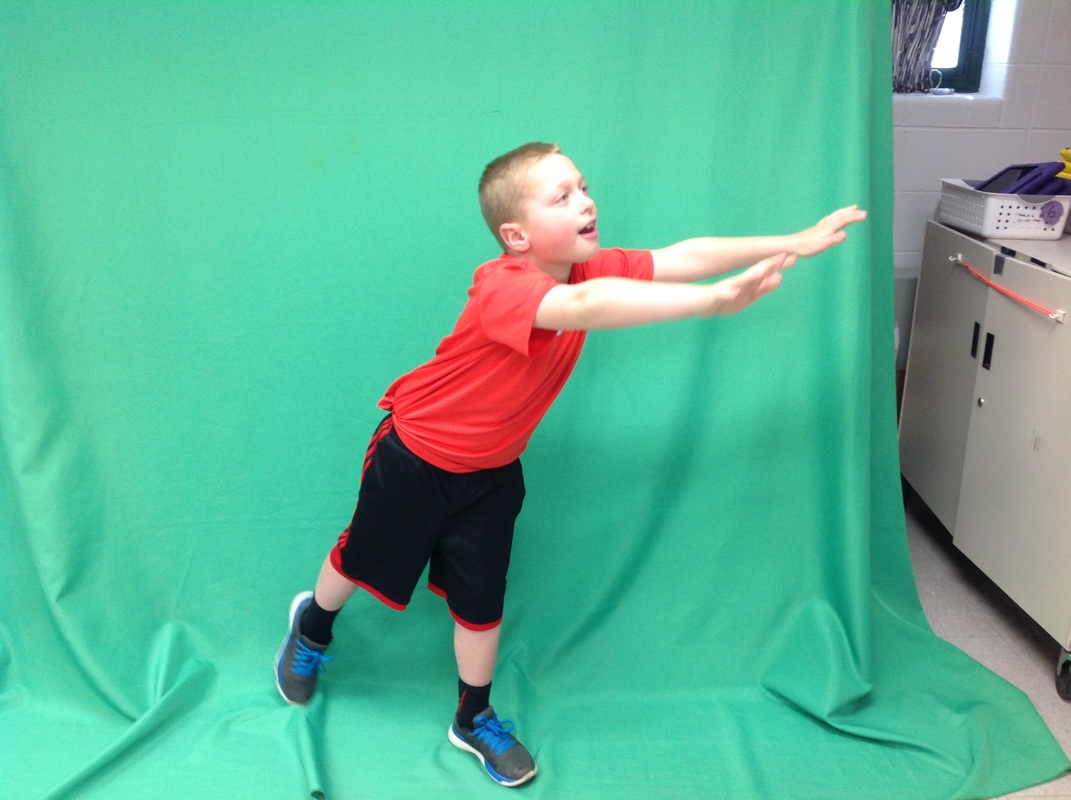
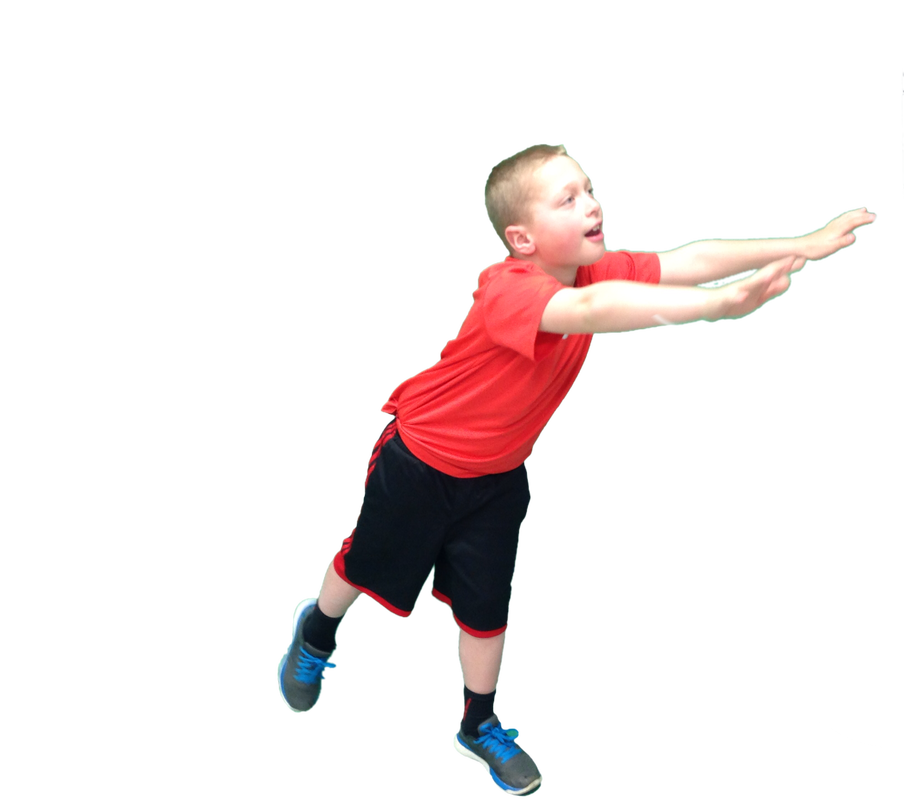
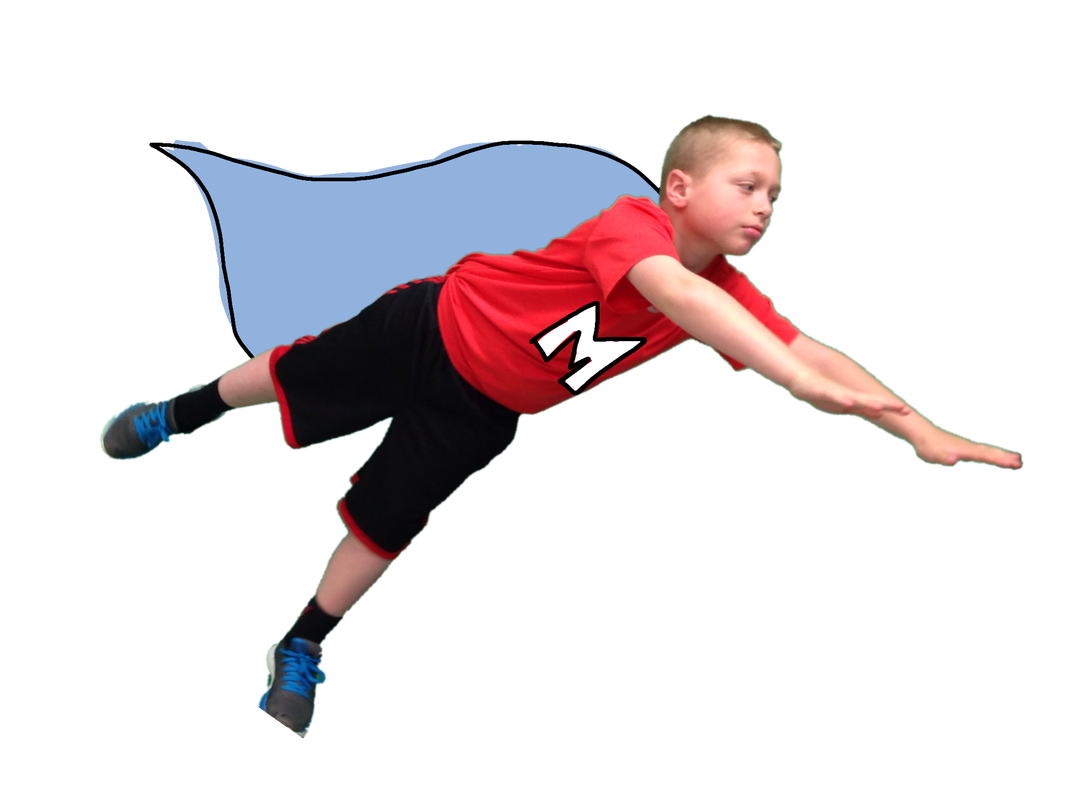
Dryden is currently having an Art Tech Drive. Artsonia will donate 20% from each of your purchases through our online digital art gallery to help raise the funds to buy the art room an iPad. We are working towards our goal of having 2 students to very 1 ipad in the art room. We are only two iPads away of this goal thanks to your support during our McGraw-Hill STEMie Award contest which is bringing $5000 dollars worth of iPads to our Art Room! Here is the link to our gallery. Find your child's artwork and browse the gift shop I lead an Art Education Association of Indiana sponsored an iPad workshop with art teachers on Saturday, Feb. 23rd. We explored techniques, ideas, and some apps that would enhance their art curriculum using my Creating on iPads resource page as a reference. Thank you Jill Sayers for organizing this event and Jay Blackman for setting up the tech. Together we drew collaboratively, from photos, in layers, from scratch, emailed art, practiced using the dropbox, grabbing templates, using photographic effects (both web-based and app-based), and created animations using the amazing Doink App. We even looked at how to build a Weebly website to host your links, photos, videos, and files to give access to your students. Take a look at their creations in the video below:) Special thanks goes to the folks at Percolator App and Bobbleshop App for giving us free iPad app codes. Attendees were very excited to go home and play! Now that my 2nd grade students finished their amazing George Washington Portraits (view them here), we checked out the iPads for the day and put the images on a dollar bill using the Festisite money effect. Now that you can upload images on iPads to most websites and add images into emails we went ahead and tried all these steps on iPads... and it worked! I had the class images in my dropbox with a link to the folder. Students just followed the steps below and clicked on my links to go where they needed. What was really easy was the link for my email address which you can find as a choice for a link in Weebly. That link auto-filled my email address so all the students had to do was add the photo and their names in the subject line. Put your portrait on the dollar bill 1. Find your picture here. 2. Save it to your camera roll 3. Click on this link to put it on the dollar bill. 4. Save it to the camera roll. 5. Send me your dollar bill image here. See the whole gallery here. Fifth graders brought their iPads to art class for the past couple of weeks to work on a digital figure drawing of themselves flying in their pajamas. This image will be the starting point for a creative writing and illustration lesson that will include animating their figures across a landscape. See the entire gallery of images here. I created the movie below as I was working on this idea. I am hoping their animations can be pieced together into a video with music giving students a chance to combine their art, music, technology, and storytelling skills into a collaborative project. Flying Animation Intro from Tricia Fuglestad on Vimeo. Did you notice that the figures are all in a similar pose? That is because to help students draw their figures successfully, we imported my sketch of a generic figure as a layer in Sketchbook Express. The artwork was drawn on a separate layer over the sketch and filled with color using the pour feature. The background is empty now so we can erase it using instant alpha in Keynote so we can animate it across their drawn landscapes. You won't see me at the MacWorld conference, but you will see our art program mentioned by iPad artist Sumit Vishwakarma. He asked if he could include images and a video from what we do in Dryden's art room on iPad's in his presentation. Below is a piece of his interview by Nomad (who makes a great ipad brush/stylus). Click here or the image below to read the whole article. I shared the video and slides I gave to Sumit for his presentation on this previous post. Take a quick peek at how we use iPads in Dryden's art room (so far) below. iPads at Dryden from Tricia Fuglestad on Vimeo. Today I had the privilege of working with a great group of art teachers in Antioch, IL on using iPads to create in the art room. We spent the whole day exploring techniques, lesson ideas, and some great art apps. I'm so glad I made my wish for an iPEVO because my wireless plan for mirroring the iPad failed on their school's wireless network. By the way you can make a wish for an IPEVO too at this link.
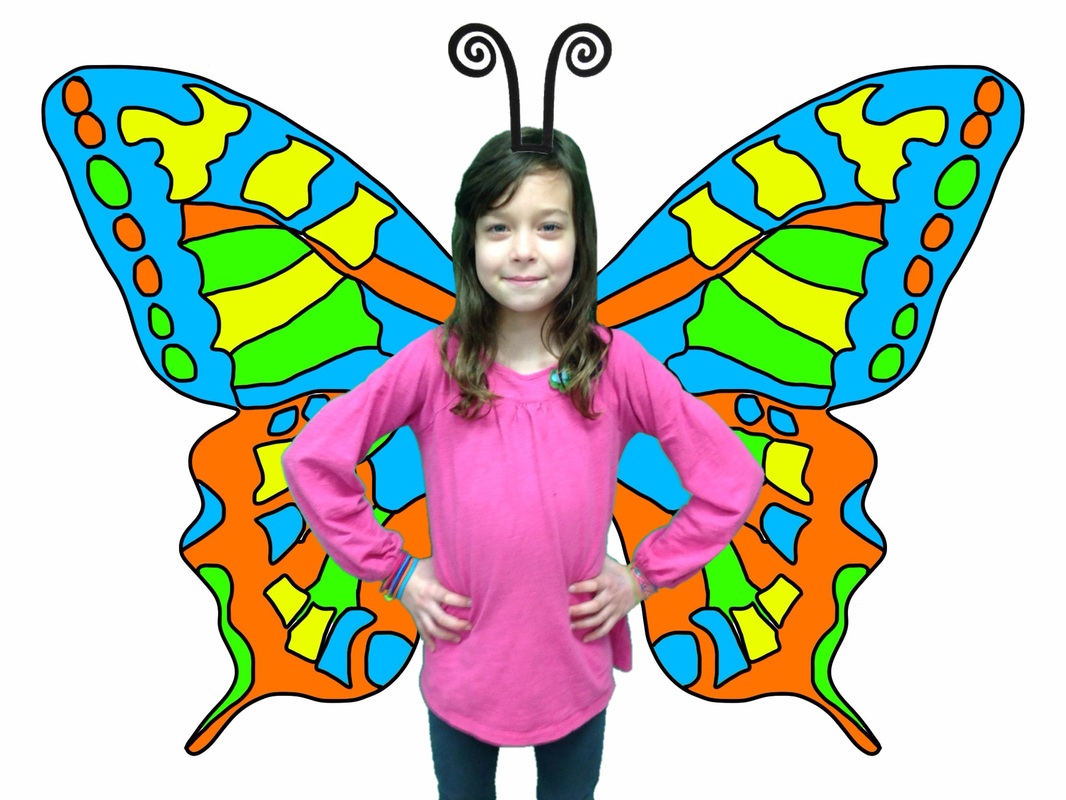
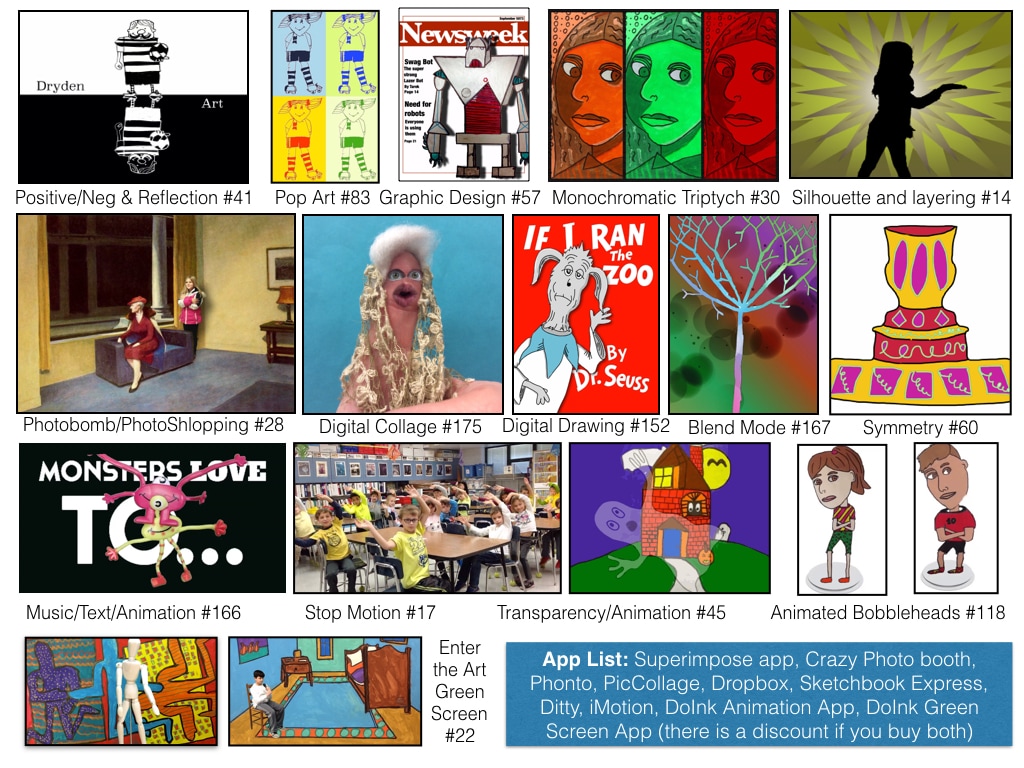
I updated my Creating on iPads handout for this workshop. You can download it here. It includes some more project ideas and changes Brushes App to Sketchbook Express. |